
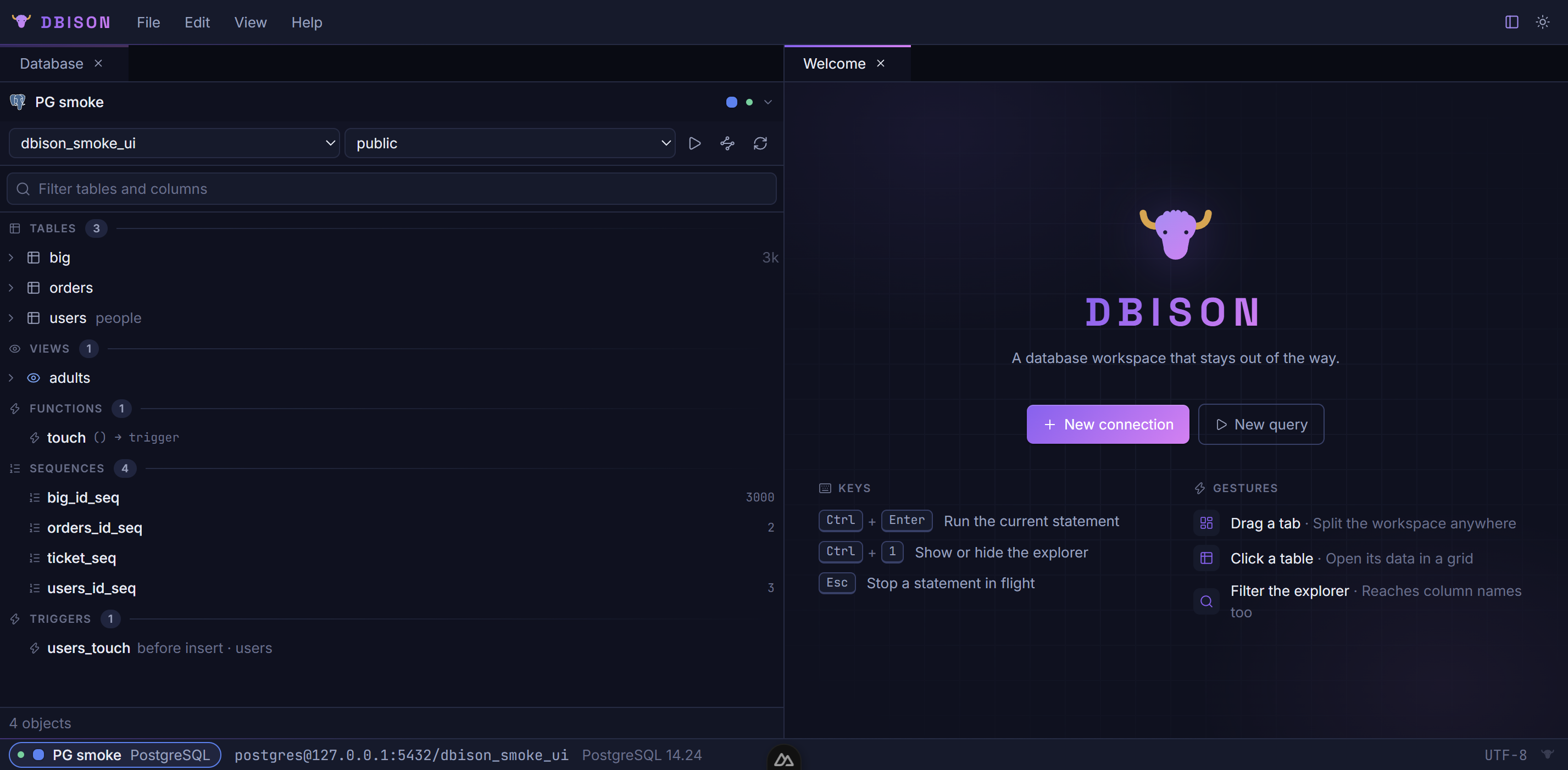
A database workspace that stays out of the way
One explorer, a query editor that knows your schema, and a grid that edits in place. A desktop app for PostgreSQL, MySQL, MariaDB and SQLite — no accounts, no telemetry, nothing to sign up for.
What you get
Everything below ships in the build you download. No tiers, no cloud half.
Fuzzy filter over everything
Tables, views, columns, functions, sequences and triggers in one tree, filtered as you type and fully keyboard-driven.
Completion from the live schema
Monaco with foreign-key-aware JOIN suggestions, run-statement-at-cursor, whole-script runs with a result tab per statement, EXPLAIN, bind parameters and manual transactions.
Edits staged, then one transaction
Quick filters, selection statistics, paste from a spreadsheet, copy as INSERT / Markdown / JSON / CSV, pinned columns and a full-value viewer with a JSON tree.
Server-side sort and paging
A WHERE box, an on-demand exact count, Structure and DDL views, and a record view (F4) that shows the focused row as a form beside the grid.
Structure editing that shows its SQL
Add, rename, change and drop columns, create and drop indexes, rename or drop tables, create tables from a form — every change previews the statement before it runs.
Visual EXPLAIN
The plan as a tree with rows, cost and per-node time bars, on Postgres, MySQL, MariaDB and SQLite alike.
Import, export, backup
Load a CSV with column mapping in one transaction; stream every row of a table or query to CSV, TSV, JSON or INSERTs; run the engine's own pg_dump, mysqldump or sqlite3 with your connection's settings.
Guard rails where they matter
A DELETE or UPDATE without a WHERE asks first. A read-only connection is enforced by the main process, not just the dialog. Unsaved work asks before a tab or the window closes.
Keychain, SSH tunnels, SSL
Passwords live in the OS keychain, never in plain text. Folders, colours, connection URLs you can paste,
import and export of profiles (.pgpass included), and tabs and splits that survive a
restart.
No accounts. No telemetry. No analytics.
Connection profiles, saved queries, history and layout stay in DBison's folder on your computer. The only thing it talks to besides your databases is the update check. Read the privacy statement.
Download DBison 0.2.0
Released 21 September 2026. Installed builds check for updates hourly and offer to restart into the new one.
Windows
Builds are not code-signed yet, so SmartScreen shows “Windows protected your PC” on first run: choose More info → Run anyway. Updates arrive by themselves afterwards.
macOS
Unzip into /Applications, then allow it once under System Settings → Privacy & Security
→ Open Anyway, or run:
xattr -dr com.apple.quarantine /Applications/DBison.app
Linux
Install the package with your package manager; DBison then updates itself from the same place.
sudo apt install ./dbison_*.deb
sudo rpm -U dbison-*.rpm